Passkeys are replacing passwords. Here is how they keep you safer
A passkey cannot be guessed, reused or typed into a fake website. The idea behind it is decades old; what is new is that your phone can now do the hard part.
The short version
- A passkey is a pair of cryptographic keys, one public and one private.
- The private key never leaves your device, so there is nothing to steal from the website.
- Passkeys are tied to the real website, which defeats most phishing.
- Your fingerprint or face only unlocks the key on your device; it is never sent to the website.
Passwords have two big weaknesses. People reuse them, so one leak can unlock many accounts, and people can be tricked into typing them into fake websites. Passkeys are designed to remove both problems.
Why passwords became the problem
Passwords were designed for a world of a few shared computers, not hundreds of online accounts per person. Faced with so many, people do the understandable thing: they choose short, memorable passwords and use them again and again.
Attackers exploit that in two main ways. In credential stuffing, they take usernames and passwords leaked from one site and try them automatically on many others. In phishing, they send a convincing message that leads to a fake login page, and the victim types in their password. Strong, unique passwords stored in a password manager help with the first problem, but a person can still be fooled by the second.
Two-step verification, such as a code sent by text message, adds a second hurdle. But a determined phishing site can ask for the code too and pass it on in real time.
The idea behind passkeys
Passkeys rely on public-key cryptography, an idea published in the 1970s that already protects much of the internet, including the secure connections behind the padlock in your browser. Its trick is a pair of keys that work together: anything signed with the private key can be checked with the public key, but the public key cannot be used to work out the private one.
For years, using this for everyday logins required a separate hardware security key. The FIDO Alliance, an industry group formed in the early 2010s, and the W3C, which sets web standards, developed the shared rules that let websites, browsers and devices talk to each other. The Web Authentication standard, known as WebAuthn, became an official W3C recommendation in 2019. Passkeys became mainstream once the big phone and computer makers built them into their operating systems and let them sync between devices.
What a passkey actually is
When you create a passkey, your device generates two linked keys. The public key is sent to the website and stored there. The private key stays on your device, protected by your fingerprint, face or screen lock.
To sign in, the website sends your device a random challenge. Your device signs it with the private key, and the website checks the signature using the public key. If it matches, you are in. At no point does a secret travel across the internet.
Signing in, step by step
- You visit a website and choose to sign in with a passkey.
- Your browser checks the website’s real address and asks your device for the matching passkey.
- Your device asks you to confirm with a fingerprint, face scan or PIN.
- Your device signs the website’s one-time challenge with the private key.
- The website verifies the signature with the public key it stored earlier, and lets you in.
Because the challenge changes every time, a signature captured by an attacker cannot be replayed later.
Why this is safer
- Nothing reusable to leak. If a website’s database is stolen, attackers get only public keys, which are useless for signing in.
- Phishing-resistant. A passkey is bound to the website it was created for. A look-alike site at a different address simply cannot use it.
- Nothing to remember. There is no password to forget, write down or reuse.
Common misconceptions
- Your biometrics are not shared. The fingerprint or face check happens on your device and simply unlocks the key. The website never receives your fingerprint or a picture of your face.
- A passkey is not a stored password. There is nothing for you to read, copy or type.
- Losing your phone need not lock you out. Synced passkeys are backed up to your account with the platform or password manager, and most services keep other ways to recover access.
Where your passkeys live
Passkeys are usually stored in a password manager or in your phone’s or computer’s built-in credential store, and can sync across your devices. You can also use a phone to sign in on a nearby computer by scanning a QR code.
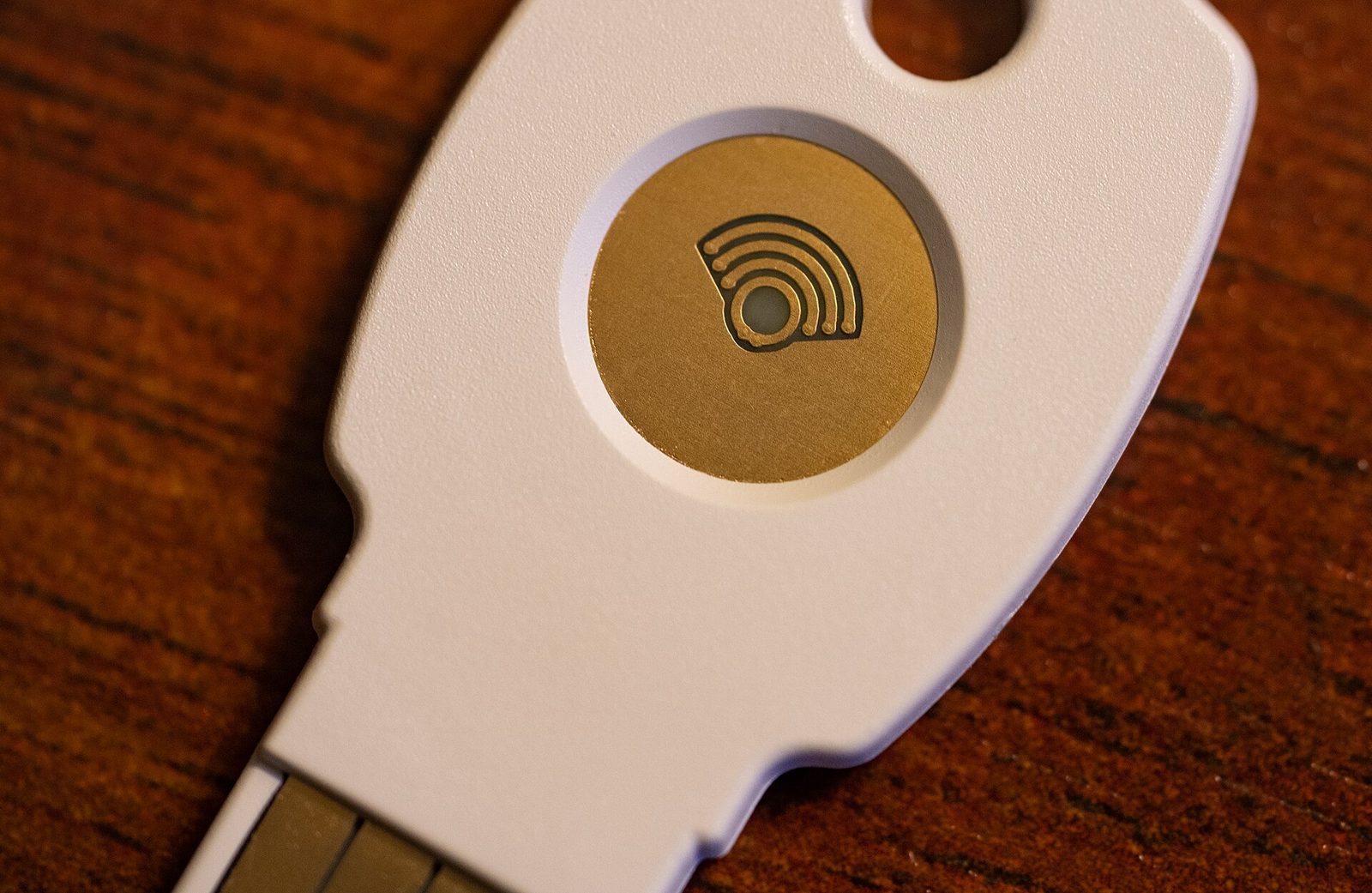
Some passkeys are device-bound, held on a single physical security key that never copies them anywhere. These are common in workplaces with strict security rules. Synced passkeys trade a little of that strictness for convenience, which for most people is the right balance.
Should you switch?
If a service you use offers passkeys, turning them on is a sensible step, especially for email, which can reset most other accounts. Keep a recovery method set up, such as a second device or recovery codes, in case you lose your phone.
Passkeys are built on open standards from the FIDO Alliance and the W3C, so they work across major operating systems and browsers.
What is still uncertain
Passkeys are only as strong as the weakest way back into an account. If a service still lets you reset access with a simple text message or a password, an attacker may target that route instead. Moving passkeys between different companies’ ecosystems has also been clumsy, although the industry has been working on standard ways to export and import them. For now, most people will use a mix of passkeys and passwords for some time.
Test yourself
2 quick questions on what you just read. Your answers stay on your device.
Sources and further reading
We check our facts after publication too. If you spot an error, please tell us. Any correction will be noted here, as set out in our corrections policy.

.jpg)